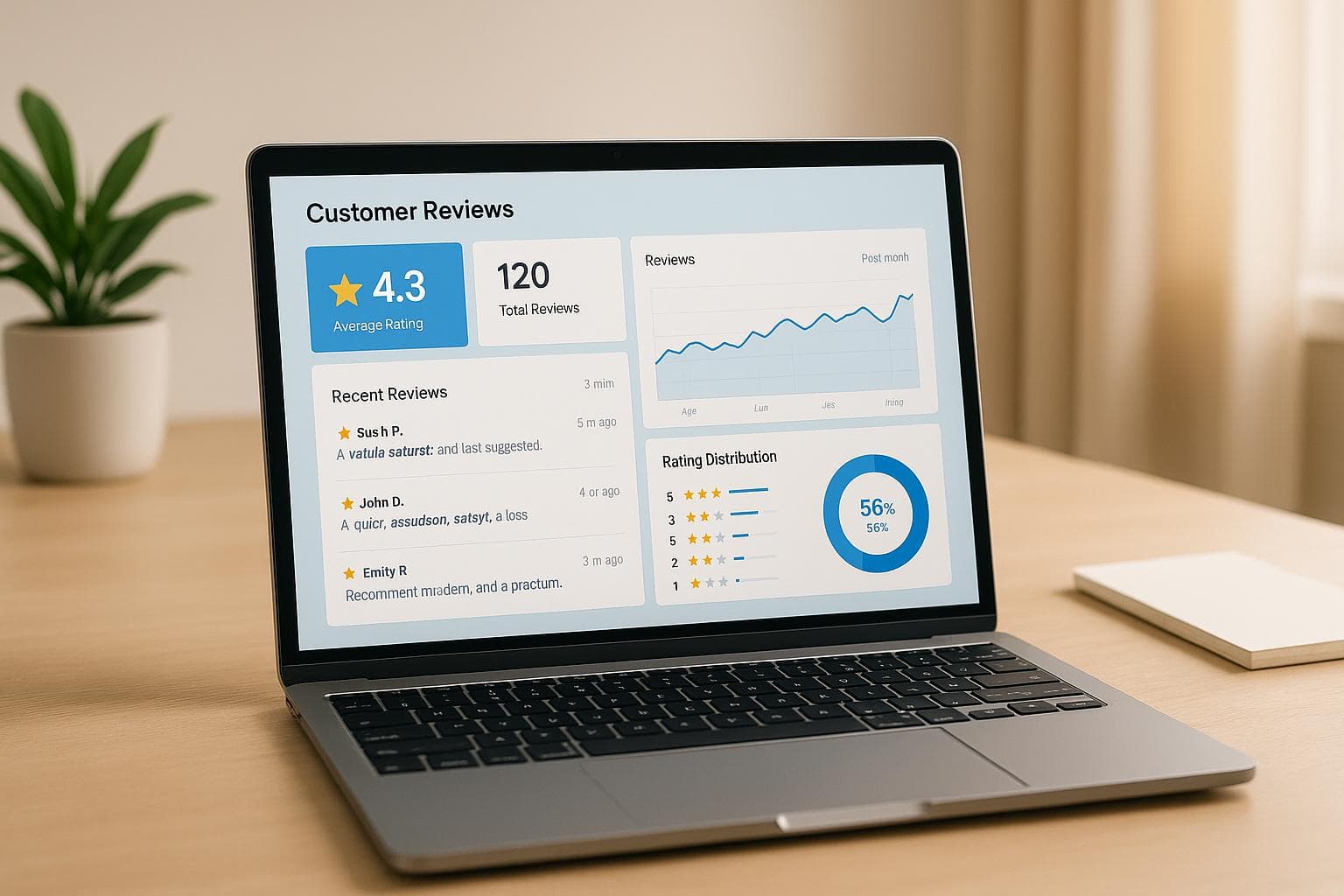
8. How to Monitor and Track Google Reviews Automatically
Manually tracking Google reviews is time-consuming and often leads to missed feedback or slow responses. Businesses that respond to reviews quickly can improve customer engagement by up to 12%, while ignoring reviews risks harming your reputation. Automation tools solve this by:
- Sending instant notifications when a new review is posted.
- Providing a centralized dashboard to track reviews across locations.
- Offering AI-powered tools like tailored response suggestions and sentiment analysis.
Platforms like CommentAssist make this process easier by combining monitoring, AI-generated responses, and advanced analytics. Pricing starts at $29/month for small businesses, scaling up for larger needs.
Key Takeaways:
- Enable Google Business Profile notifications for real-time alerts.
- Use tools like CommentAssist for faster, smarter review management.
- Respond promptly to reviews to build trust and improve ratings.
Automation helps you stay on top of reviews, address concerns faster, and maintain a strong online presence - all while saving time.
Google Review Monitoring Basics
What Is Google Review Monitoring?
Google review monitoring involves keeping track of and managing customer reviews left on your Google Business Profile. This means staying on top of new reviews, observing changes in your overall star rating, and understanding what customers are saying about your business on Google's platform.
Your Google Business Profile acts as a digital front door, showcasing essential details like business hours, contact info, photos, and - most importantly - customer reviews. These reviews play a crucial role in influencing local search rankings and can be the deciding factor for potential customers choosing between your business and a competitor.
Effective monitoring goes beyond just checking star ratings. It’s about digging into the details - spotting trends, identifying recurring themes in feedback, and analyzing how your responses influence future reviews. While many businesses fixate on the rating, the true insights come from understanding the specifics of customer feedback and how it mirrors your operations.
Google reviews are also a key part of your business’s broader online reputation. They show up in Google Search results, Google Maps, and directly impact how Google's algorithm ranks your business in local searches. Ignoring even a single negative review can hurt your visibility for weeks, if not longer.
Let’s explore how automation simplifies these monitoring tasks.
How Automation Makes Review Tracking Easier
Manually checking your Google Business Profile for reviews can feel like a full-time job. Many business owners end up checking sporadically, which means some reviews may go unnoticed for days - or even weeks. This delay can lead to inconsistent response times, frustrating customers who expect prompt acknowledgment of their feedback.
Automation solves this problem by delivering instant notifications whenever a new review is posted. Instead of constantly refreshing your profile, automated tools send alerts straight to your email, phone, or dashboard, so you can respond quickly - often within hours instead of days.
These tools don’t just notify you; they provide a centralized dashboard that aggregates reviews from multiple locations, tracks key metrics like response time and sentiment, and highlights trends. This bird’s-eye view makes it easier to compare performance across locations, spot patterns, and maintain a consistent approach to handling feedback - all things that are tough to achieve with manual monitoring.
Automation can also streamline teamwork. For example, reviews can be routed to specific team members based on their content or sentiment. A complaint about service might go directly to your customer service manager, while a glowing review about an employee could be forwarded to HR for recognition. This process not only ensures timely responses but also enhances your overall reputation management efforts.
Google My Business Review Reply Automation!
Setting Up Google Business Profile Notifications
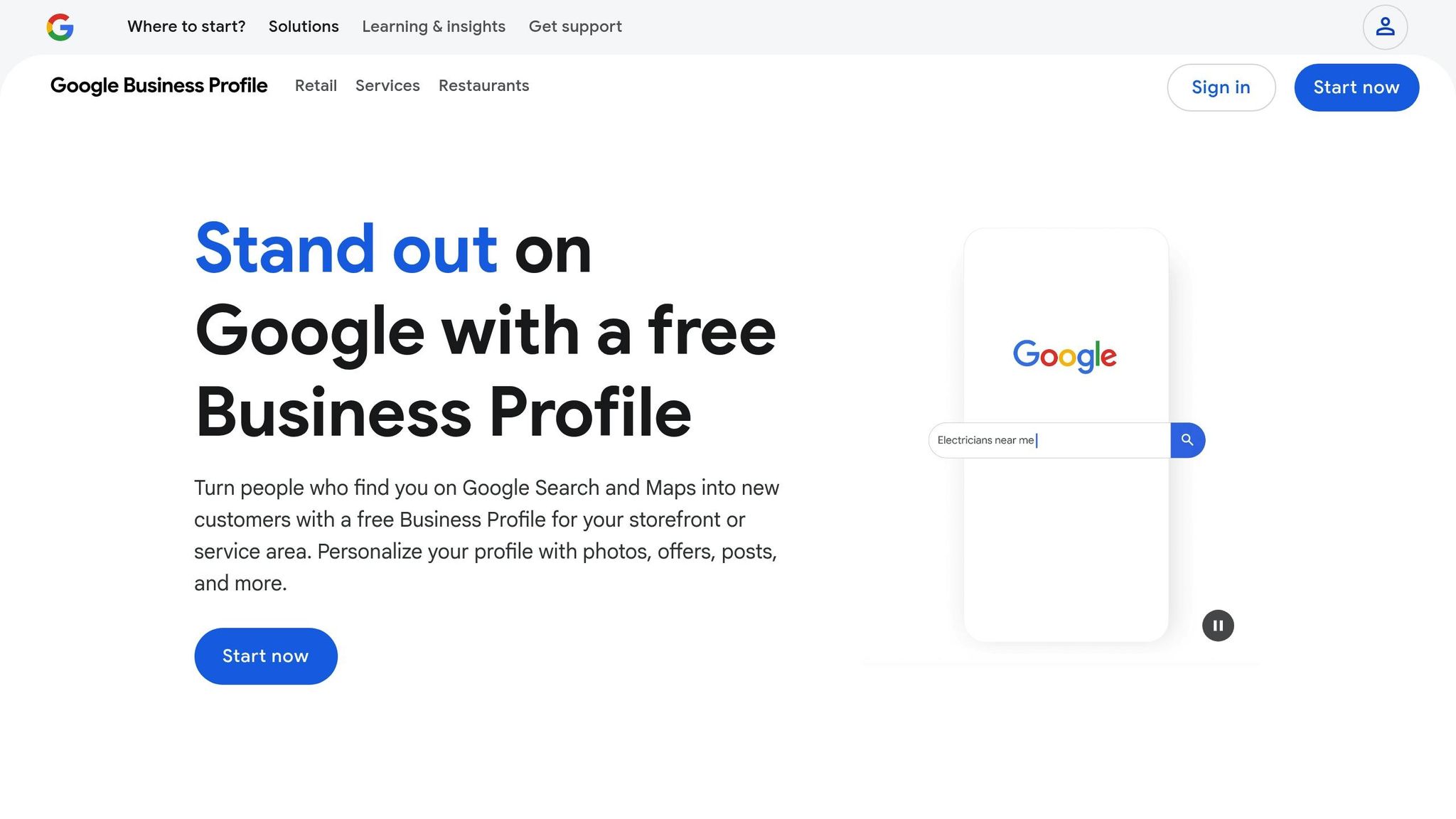
Stay on top of every review by enabling Google Business Profile notifications. This system sends alerts straight to your email or mobile device whenever customers leave feedback. Keep in mind, though, that each user - whether it's the marketing manager, store manager, or owner - needs to set up their own notification preferences.
Step-by-Step Notification Setup
The process for setting up notifications varies depending on whether you're using a desktop or a mobile device. If you're on a desktop, Google Search provides the most detailed control over your notification settings.
For desktop users, start by going to your Business Profile at business.google.com and signing in. Once you're in, locate the "More" option, often shown as an ellipsis icon at the top of the profile management area. Click "More", then select "Notifications" from the dropdown menu. From there, find the section labeled "Customer activity" or "Customer reviews" and toggle it on to receive alerts for new reviews.
If you're on a mobile device, you can adjust these settings through the Google Maps app. Open the app, tap "Business" at the bottom right, and then select "Notifications" from the top-right corner. This will bring up all available notification types, including those for reviews.
It’s worth noting that notification settings apply across all profiles managed under the same user account. For example, if you manage multiple locations and turn off a notification for one profile, it will be disabled for all the profiles linked to that account. Once you've set up the basics, you can further customize notifications to fit your needs.
Customizing Your Notification Settings
After enabling basic alerts, take the time to adjust your settings so you can prioritize the notifications that are most important to your business. Google Business Profile offers notifications for reviews, customer messages, booking requests, Q&A updates, photo uploads, and account changes, allowing you to respond promptly and effectively.
For instance, customer messages often signal immediate interest and may require a quick reply to close a sale. Similarly, notifications about bookings or requests are essential for service-driven businesses, where a fast response can secure an appointment.
Additionally, "business health" notifications keep you informed about issues that might impact your online presence, such as discrepancies in your business details or technical issues. While these alerts don’t directly involve customers, they’re crucial for maintaining the accuracy and visibility of your profile.
Google suggests enabling all notifications initially to ensure you don’t miss anything important. Once you’ve monitored the volume of alerts, you can fine-tune your settings to turn off notifications that aren’t relevant. However, even with certain notifications disabled, Google may still send updates about critical matters like policy changes or security concerns.
sbb-itb-5375359
Using CommentAssist for Automated Review Management
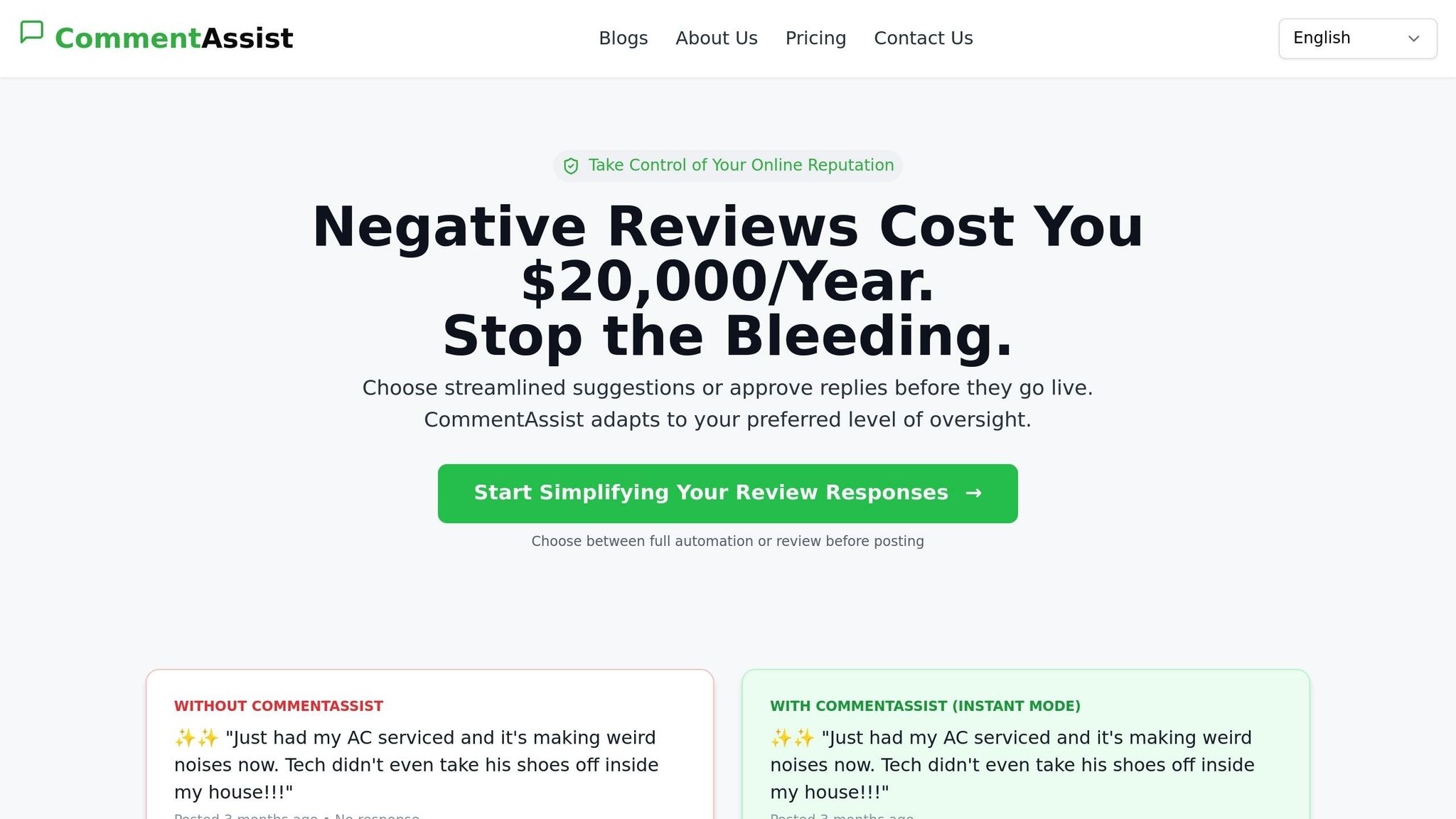
Building on the foundation of automated notifications, CommentAssist takes review management to the next level with AI-powered tools that simplify handling customer feedback. This platform changes the way businesses approach reviews by combining intelligent tracking with automated response features.
CommentAssist connects directly with your Google Business Profile, creating a centralized space where you can monitor, analyze, and respond to reviews - all without jumping between platforms. It tracks reviews 24/7, ensuring that no important feedback slips through the cracks.
What sets this platform apart is its AI-driven functionality, which doesn’t just alert you to new reviews but also equips you with actionable insights and response suggestions. This means you’re not only staying informed but also ready to respond effectively.
Key Features of CommentAssist
- Seamless monitoring: The platform continuously scans your Google Business Profile for new reviews, eliminating the need for manual checks. Beyond basic notifications, it tracks review trends, sentiment shifts, and response times, giving you a clear view of your online reputation.
- AI-powered response generation: The system analyzes the content, tone, and context of each review to suggest tailored responses. Whether it’s a glowing five-star review or a critical comment, the AI provides response templates that maintain your brand’s tone while ensuring timely communication.
- Advanced analytics and insights: Understand patterns in customer feedback over time. The platform highlights recurring themes, tracks changes in your average rating, and pinpoints areas where your business excels or could improve. These insights are invaluable for making informed decisions about customer service.
- Team collaboration tools: Manage reviews efficiently across multiple team members without confusion. Assign specific reviews, track response progress, and ensure consistent communication. This feature is especially useful for businesses with multiple locations or departments involved in customer feedback.
- Custom response templates: Save time while maintaining a consistent brand voice. Create templates for various review types - positive feedback, service complaints, or product-related queries - so your responses align with your business’s tone and values.
These features are offered in tiered plans designed to suit businesses of all sizes and needs.
Pricing Plans for U.S. Businesses
CommentAssist offers three pricing tiers, all in U.S. dollars, tailored to different business sizes and review volumes.
| Plan | Monthly Price | Review Limit | Key Features |
|---|---|---|---|
| Starter | $29 | Up to 100 reviews | Basic AI responses, Google integration, email support, basic analytics |
| Professional | $79 | Up to 500 reviews | Advanced AI responses, Google & Yelp integration, priority support, custom templates, team collaboration |
| Enterprise | $199 | Unlimited reviews | Premium AI responses, all platform integrations, 24/7 support, custom dashboard, API access, dedicated account manager |
The Starter plan is ideal for small businesses, local restaurants, or service providers handling fewer than 100 reviews each month. At $29 per month, it includes essential features like AI-generated responses and Google Business Profile integration, making it a budget-friendly choice for automating review management.
The Professional plan, priced at $79 per month, suits mid-sized businesses managing up to 500 reviews monthly. It adds Yelp integration, custom response templates, and team collaboration tools - perfect for businesses looking to scale their review management efforts.
For high-volume businesses, the Enterprise plan at $199 per month offers unlimited review handling and premium features. A dedicated account manager provides personalized support, while API access allows for seamless integration with your existing systems. With 24/7 priority support, you can address critical reviews promptly, no matter the time.
No matter the plan, all include essential monitoring capabilities, ensuring businesses can start with core features and scale up to advanced tools as they grow. Up next, learn how to maximize the benefits of automated review monitoring.
Best Practices for Automated Review Monitoring
Automation can transform review monitoring into a powerful tool, but it works best when combined with human oversight. By using tools like CommentAssist and following these best practices, review management becomes not only faster but also more effective. Automated notifications and AI insights can streamline the process while keeping it strategic and responsive.
Responding Quickly to Reviews
Speed is essential when it comes to addressing customer reviews. Set up your system to flag high-priority reviews so they can be addressed immediately. Tools like CommentAssist use AI to detect urgency and emotional tone, helping you decide which reviews need personal attention and which can be resolved with automated responses.
To ensure no critical feedback is overlooked, establish clear guidelines for prioritizing reviews. For example, urgent concerns should trigger mobile alerts, enabling your team to act quickly. This approach maintains customer trust and shows you value their input.
Analyzing Trends and Data
AI tools excel at identifying patterns and shifts in customer sentiment. They process large volumes of feedback to uncover recurring themes or subtle changes in tone that might otherwise escape notice.
"73% of companies using AI for customer feedback analysis report a 45% increase in customer satisfaction scores".
By analyzing sentiment trends, you can pinpoint emerging challenges, such as issues with service quality, product changes, or even staff training needs. For instance, if multiple reviews mention long wait times, automated tools can flag this as an area requiring attention. These insights allow you to make proactive adjustments - whether that means addressing complaints or doubling down on strengths highlighted in positive reviews.
Tracking metrics like response rates and timing also demonstrates that your business takes online feedback seriously. Beyond quick replies, diving into trends helps you better understand what your customers are feeling and why.
Team Collaboration for Consistent Responses
Managing reviews effectively requires teamwork. A unified brand voice and clear workflows ensure that every review gets the attention it deserves.
Assigning reviews to the right team members is key. For example, customer service feedback might go to one department, while product-related reviews are routed elsewhere. CommentAssist simplifies this by allowing reviews to be automatically assigned based on keywords or manually directed to the appropriate person.
To maintain consistency, document your response strategy. This should include tone, timing, and escalation procedures, especially for sensitive issues like safety or legal concerns. For such cases, approval workflows involving management can ensure responses are both accurate and thoughtful. Regular training and quality reviews help your team balance automated tools with human empathy and judgment, ensuring a seamless customer experience as your business grows.
Conclusion: Streamline Your Google Review Monitoring
Automated review monitoring takes the hassle out of managing customer feedback, turning what used to be a tedious manual task into a powerful strategy. By setting up effective notification systems and using tools like CommentAssist, you can stay on top of every review and respond promptly and genuinely.
The real magic happens when automation and human insight come together. AI tools are great for spotting urgent reviews, analyzing sentiment trends, and simplifying responses. But it's your team's personal touch that ensures each reply feels sincere and addresses customer concerns directly.
The benefits of automated review monitoring go well beyond quick response times. Spotting trends early, addressing recurring issues, and maintaining consistent communication across all your locations can set your business up for long-term success. Here's a compelling stat: businesses that reply to at least 25% of their reviews tend to see an average 35% boost in revenue compared to those that don't engage with feedback.
And let's not forget how consumer behavior drives the need for automation. In the U.S., over 90% of consumers check online reviews before visiting a business. For companies navigating today’s digital-first landscape, automated monitoring isn't just helpful - it's essential for managing reviews at scale while keeping responses meaningful.
To get started, focus on the basics: turn on Google Business Profile notifications, create clear workflows for responding to reviews, and use CommentAssist to centralize your review management. Pair automated alerts with proactive responses, and you'll have a system that not only simplifies review handling but also fuels business growth over time.
FAQs
How can CommentAssist help my business respond faster to Google reviews?
CommentAssist streamlines the way your business handles Google reviews, helping you respond more efficiently by automating critical steps. It provides real-time notifications whenever a new review comes in, allowing you to address customer feedback quickly and effectively.
With tools like pre-written response templates and straightforward review management, CommentAssist minimizes the time spent crafting replies manually. At the same time, it ensures your responses maintain a consistent and professional tone. By staying on top of reviews, you can strengthen your online presence and nurture better connections with your customers.
What are the benefits of using AI tools to manage Google reviews?
Using AI tools to handle Google reviews comes with a range of benefits. For starters, they take care of repetitive tasks like tracking and replying to reviews, which not only saves time but also cuts down on manual work. These tools can even send you instant notifications for new or critical reviews, so you can respond promptly and engage with customers more effectively.
On top of that, AI tools can assess the tone of reviews and categorize feedback, giving you practical insights to boost your online reputation and improve customer satisfaction. By simplifying the entire review management process, these tools enable businesses to stay ahead and build stronger connections with their audience.
How does monitoring Google reviews help improve my local search rankings and online reputation?
Monitoring Google reviews is a key step in improving your local search rankings and keeping a solid online reputation. Positive reviews not only reflect customer satisfaction but also signal trust to platforms like Google Maps and Google My Business, helping boost your visibility. In fact, reviews are believed to play a big role in local search ranking factors.
Staying on top of your reviews also helps build trust and encourages more people to choose your business. When you respond quickly to feedback - whether it’s a glowing review or a critical one - you show customers that their opinions matter. This not only strengthens your reputation but can also draw in new customers. Ignoring reviews, however, might mean missed chances to address issues and could even hurt your rankings and credibility.